Chapter 5 of 1225 min
Gravity and jumping
- Game loop
- Player
- Platforms
- Level
- Camera
- Coins
- Enemies
- Online
In this chapter you will:
- give the player a speed that changes every frame
- make gravity pull the player down onto the ground
- jump, but only when standing on something
Speed that changes
To move sideways, you change the player's position each frame. Falling is different: a falling thing gets faster and faster. So the player needs a vertical speed, y_speed, and gravity changes the speed every frame:
- Gravity adds a little to
y_speed(down is positive, remember). - The player moves down by
y_speed.
Frame after frame: speed 1, 2, 3, 4… and the player falls faster each time. A jump is just setting y_speed to a big negative number: the player shoots up, gravity slows it down, it stops for a moment, and then it falls. You get a real jump arc from two lines of maths.
Add the constants and the speed
Under SPEED, add:
GRAVITY = 1
JUMP_SPEED = -16
Start the player high up, so you can watch it fall, and add two variables above running = True:
player = pygame.Rect(100, 100, 30, 40)
ground = pygame.Rect(0, 360, WIDTH, 120)
y_speed = 0
on_ground = False
on_ground remembers whether the player is standing on something. You'll need it to stop jumps in mid-air.
Fall and land
At the end of the update step (after the arrow keys), add:
    y_speed += GRAVITY
    player.y += y_speed
    on_ground = False
    if player.colliderect(ground):
        player.bottom = ground.top
        y_speed = 0
on_ground = Trueplayer.colliderect(ground)isTruewhen the two rectangles overlap. That's the question from chapter 1.- If they overlap, the player has fallen into the ground, so you put it back on top (
player.bottom = ground.top), stop it falling, and remember it's on the ground.
on_ground is set to False first, every frame, and only becomes True if the player is touching the ground this frame. Walk off a ledge (you'll have ledges in chapter 6), and it turns False by itself.
Keep GRAVITY and JUMP_SPEED whole numbers. A Rect stores whole pixels, so player.y += 0.8 is rounded down and does nothing: the player would hover, and only count as "on the ground" every other frame.
Jump
A jump should happen once per press, not every frame you hold the key. So instead of get_pressed(), use the event: pygame.KEYDOWN arrives exactly once, when a key goes down. Add this inside the event loop, under the QUIT check:
        if event.type == pygame.KEYDOWN:
            if event.key == pygame.K_SPACE and on_ground:
                y_speed = JUMP_SPEED
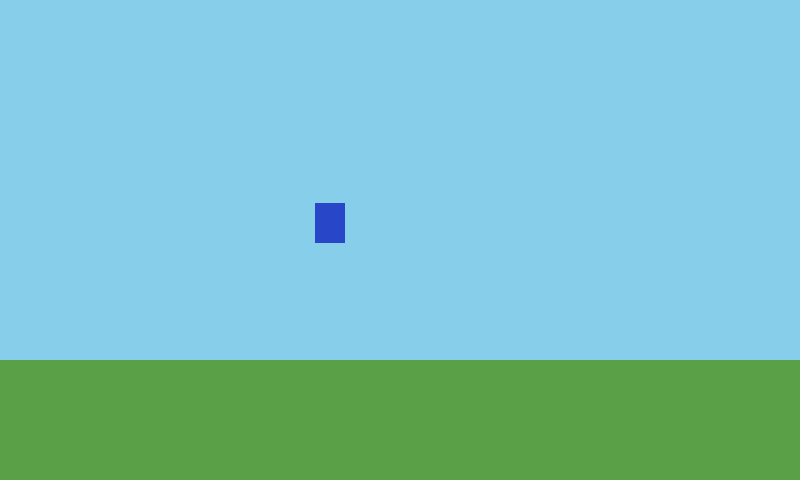
python main.pyThe player drops onto the ground. Press space to jump, and use the arrows while you're in the air.
You should see
Predict, then check
What happens if you press space again while the player is still in the air?
Show answerHide answer
Nothing. on_ground is False in the air, so the and on_ground part stops the jump. Delete and on_ground and try again: now you can jump forever and fly out of the top of the window. Put it back afterwards.
Practice
Make it feel like the Moon: slow, floaty jumps. Which numbers do you change?
Show a solution
Gravity has to stay a whole number, and 1 is the smallest, so change the jump instead:
GRAVITY = 1
JUMP_SPEED = -10
A smaller jump is lower and shorter, which feels floatier. For a truly slow Moon fall you'd add gravity only every other frame: a nice extra once the game is finished. Put the numbers back to 1 and -16 before the next chapter: the levels from chapter 7 on are designed for exactly that jump.
Save your progress
git add .
git commit -m "Chapter 5: gravity and jumping"
Stuck, or want to compare? The finished code for this chapter is tagged ch05: run git diff ch05, or see it on GitHub.